
Introduction to WooCommerce Product Variations
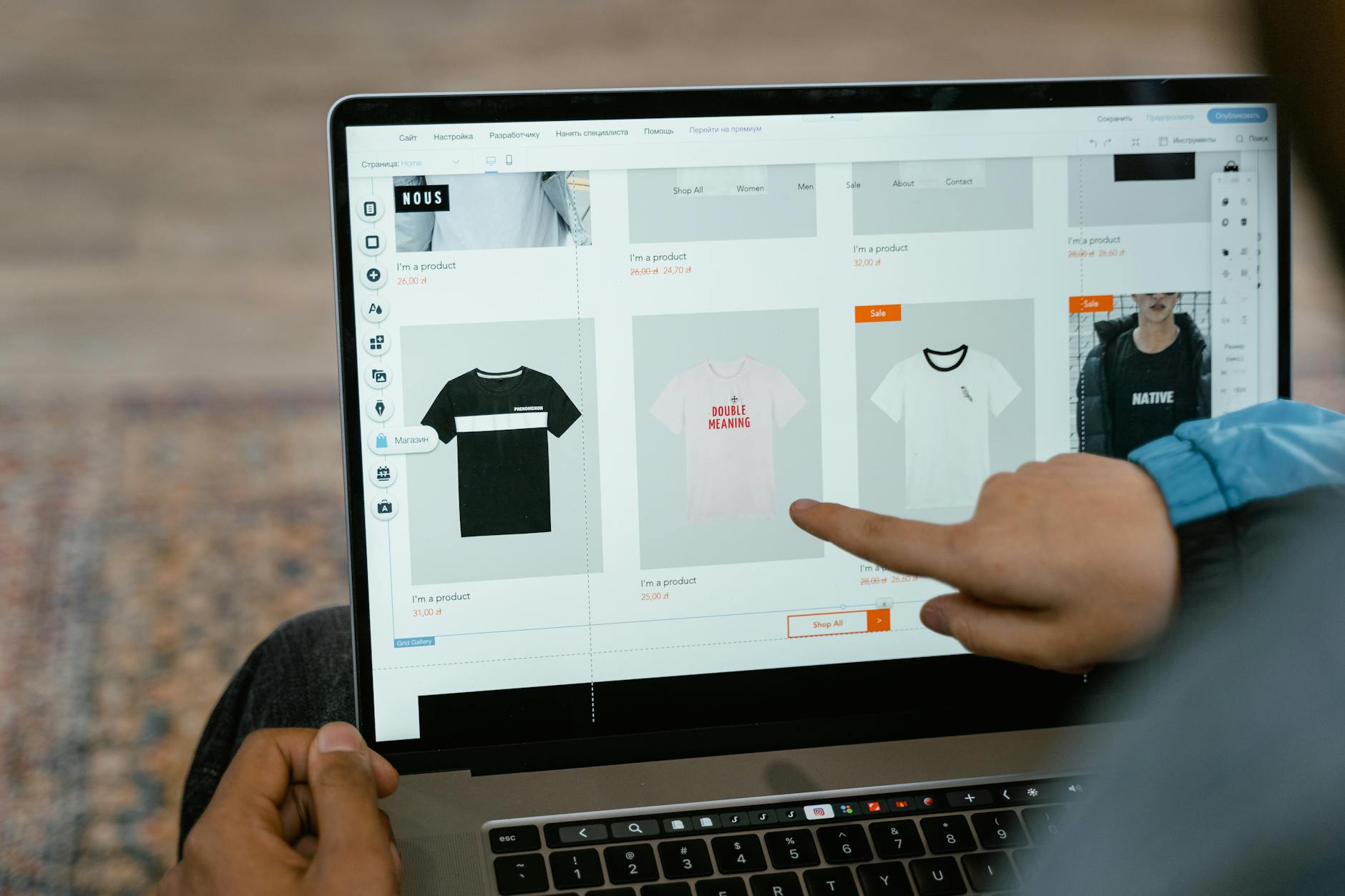
WooCommerce product variations are a powerful feature that allows you to offer customized products to your customers. With variations, you can create multiple versions of a product, each with its own set of attributes, such as size, color, and material. In this guide, we will explore the world of WooCommerce product variations and show you how to use them to increase sales and improve customer experience.
What are WooCommerce Product Variations?
💼 Need Professional Help?
WooCommerce Development Service
WooCommerce store build, checkout customization, payment gateways and cart flows. Our team at WordPressBugFix.pro fixes this — 25% upfront, 75% only after it’s resolved.
WooCommerce product variations are a way to create multiple versions of a product, each with its own set of attributes. For example, if you are selling t-shirts, you can create variations for different sizes, colors, and materials. Each variation can have its own price, image, and description, allowing you to tailor your products to specific customer needs.
How to Create WooCommerce Product Variations

To create WooCommerce product variations, follow these steps:
- Go to the WordPress admin panel and navigate to the Products page.
- Click on the Add New button to create a new product.
- Enter the product title, description, and price.
- Scroll down to the Product Data section and click on the Variations tab.
- Click on the Add Variation button to create a new variation.
- Enter the variation attributes, such as size, color, and material.
- Set the price and image for the variation.
- Repeat the process to create multiple variations.
// Example of how to create a variation using WooCommerce API
   $product = wc_get_product(123);
   $variation = $product->get_variation(456);
   $variation->set_price(19.99);
   $variation->set_image_id(789);
   $variation->save();
Benefits of Using WooCommerce Product Variations
Using WooCommerce product variations can bring numerous benefits to your online store, including:
- Increased sales: By offering customized products, you can attract more customers and increase sales.
- Improved customer experience: Variations allow customers to choose the product that best fits their needs, leading to increased customer satisfaction.
- Competitive advantage: Offering product variations can set you apart from competitors and make your store more attractive to customers.
Common Issues with WooCommerce Product Variations
While WooCommerce product variations are a powerful feature, they can also cause issues if not set up correctly. Some common issues include:
- Incorrect pricing: If variations are not priced correctly, it can lead to lost sales and revenue.
- Inventory management: Managing inventory for multiple variations can be complex and time-consuming.
- Performance issues: Too many variations can slow down your website and affect performance.
To avoid these issues, it’s essential to set up your variations correctly and use the right plugins and tools to manage your inventory and performance.