
Introduction to Recovering Abandoned Carts
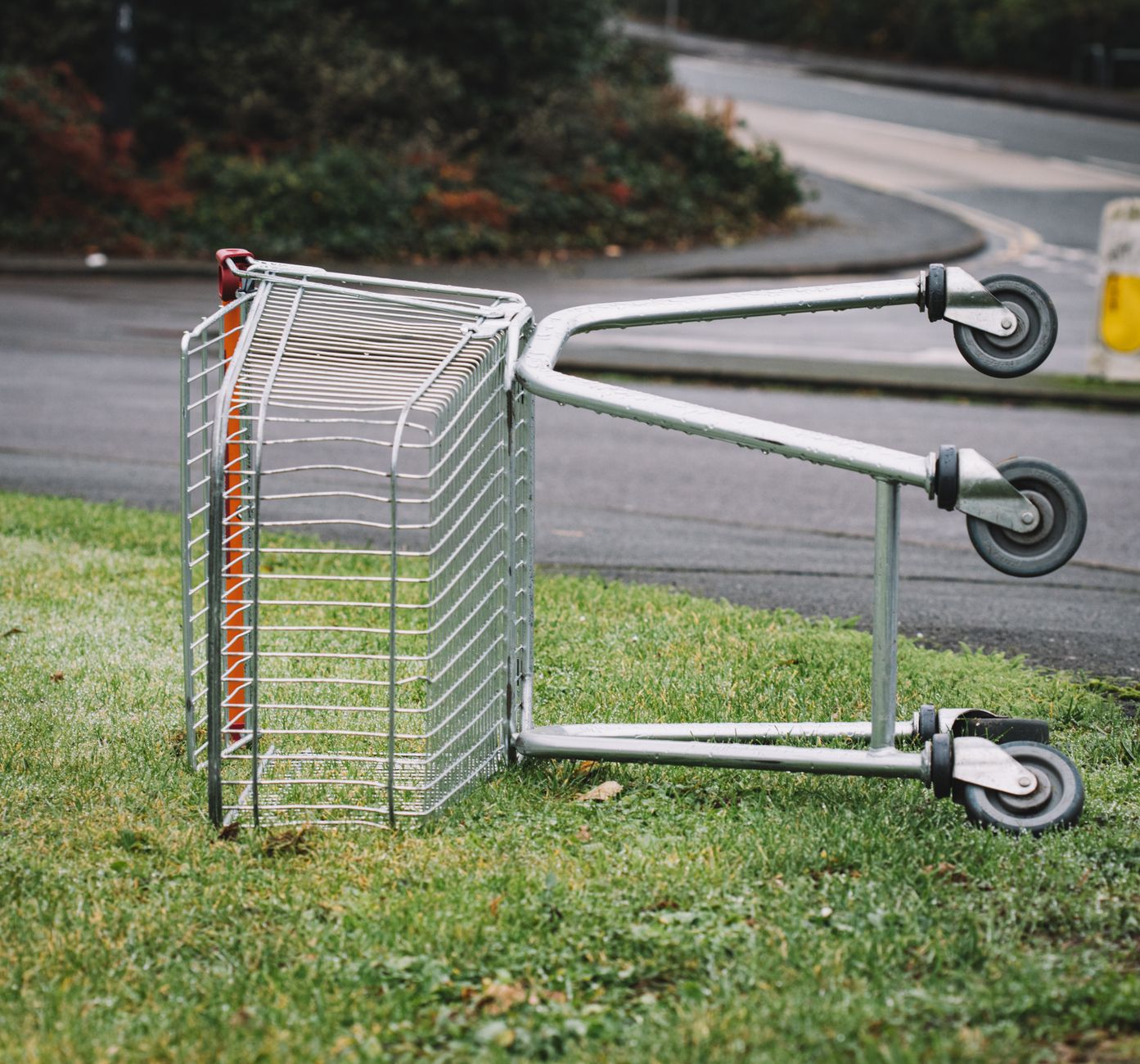
Abandoned carts are a common problem in ecommerce, with an average of 70% of customers leaving their carts behind. This can be a significant loss of revenue for online stores. However, with the right strategies, it is possible to recover abandoned carts and win back lost customers. In this post, we will explore the best ways to recover abandoned carts and increase sales.
Why Do Customers Abandon Their Carts?
💼 Need Professional Help?
WooCommerce Development Service
WooCommerce store build, checkout customization, payment gateways and cart flows. Our team at WordPressBugFix.pro fixes this — 25% upfront, 75% only after it’s resolved.
Before we dive into the strategies for recovering abandoned carts, it’s essential to understand why customers abandon their carts in the first place. Some common reasons include:
- High shipping costs
- Complex checkout process
- Lack of trust in the website
- Comparison shopping
- Technical issues
By understanding these reasons, you can identify areas for improvement in your online store and reduce the number of abandoned carts.
Strategies for Recovering Abandoned Carts

Here are some effective strategies for recovering abandoned carts:
- Send reminders: Send reminder emails to customers who have abandoned their carts, reminding them of the products they left behind.
- Offer incentives: Offer discounts or free shipping to customers who complete their purchase.
- Improve the checkout process: Simplify the checkout process and make it more user-friendly.
- Use social proof: Use customer testimonials and reviews to build trust in your website.
- Use retargeting ads: Use retargeting ads to reach customers who have abandoned their carts and encourage them to return to your website.
How to Implement Recover Abandoned Carts in WooCommerce
WooCommerce provides several plugins and extensions that can help you recover abandoned carts. Here’s an example of how to implement recover abandoned carts using the WooCommerce Recover Abandoned Cart plugin:
function recover_abandoned_cart() {
       // Get the abandoned cart
       $abandoned_cart = WC()->cart->get_cart_contents();

       // Send a reminder email to the customer
       $email = new WC_Email();
       $email->send( 'abandoned_cart', 'Reminder: You have items in your cart', 'You have items in your cart. Please complete your purchase.' );
   }
   add_action( 'wp_loaded', 'recover_abandoned_cart' );
This code sends a reminder email to customers who have abandoned their carts, reminding them to complete their purchase.
Conclusion
Recovering abandoned carts is an essential part of ecommerce, and with the right strategies, you can win back lost customers and boost revenue. By understanding why customers abandon their carts and implementing effective strategies, you can reduce the number of abandoned carts and increase sales. Remember to always recover abandoned carts and provide a seamless shopping experience for your customers.